
Your online store may be up and running, but it still requires consistent management. Your database grows as you add new products or post something on your blog. It would be a shame if you lose everything in an instant.
This can be avoided by backing up your data. It’s one of the best ways to protect your investment. This post explains the importance of being backed up.
Set Your Own Backup
Most site owners assume that their web host does all the backing up. While most web hosts do have backups, they are not as reliable as your own. What’s more, there’s always a chance that your host failed to do so.

Not setting up your own backup is an unacceptable mistake. You can either learn to backup your data on WooCommerce, or you could have others to do it for you. These simple steps can teach you how to backup the data on your site. It’s crucial to choose a reliable web host that provides better security, and has backup solutions in case something happens to your own database.
Doing this right from the moment you go live with your WooCommerce store assures you peace of mind. Having all your data backed up means you don’t need to worry as much about any security problems. Your original site and all-important data can always be recovered.
WordPress-Specific Options
You shouldn’t rely solely on the backups made by web host companies. It’s because the backups they make, are not specific to WordPress. You need to look for WordPress-specific options. Using remote backup services is one good example. These services use cloud servers and guarantees that your data would be safe and secure.
BlogVault provides real-time backup solution in WooCommerce. It guarantees immediate backup with each update done. For a more detailed description of BlogVault, you can check it here.
For more information on how to backup your data on WooCommerce, check our earlier post. Having a good backup process helps keep all your data safe. But if you have your hands full on other areas of your business, the Wooassist team can setup a solid process for your online store.
 You might have read a few, or maybe a ton of articles about optimizing your website page load speeds. You might already know a few strategies like
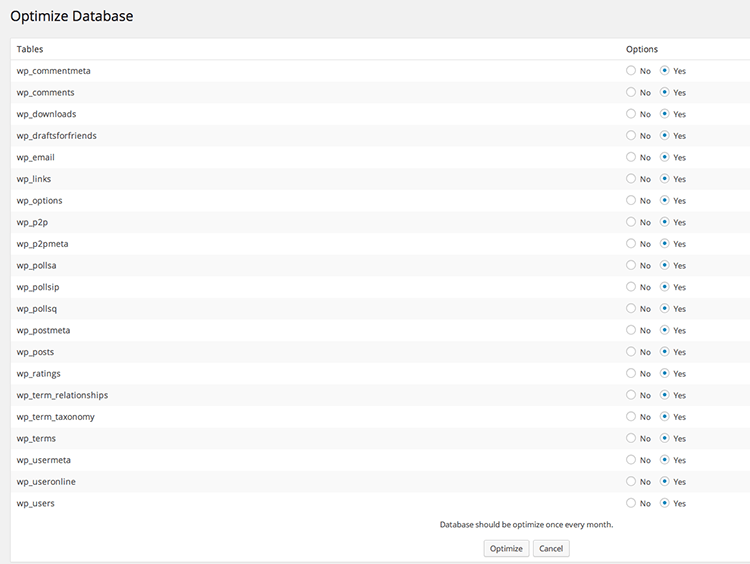
  If you don’t know what the database is for, then you might be surprised just how important it is. WordPress makes use of PHP to communicate with the database which contains important information such as posts, pages, your WooCommerce products, comments and product reviews, users and customer information, URLs, etc.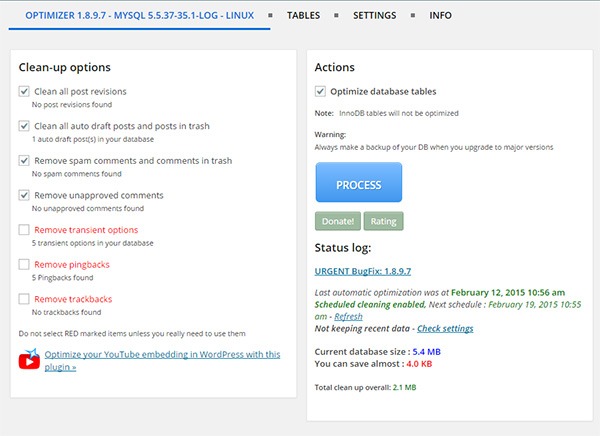
 For every website owner, there will always come a time when your website will go down. Often, this could be because of a downtime on your hosting service, but sometimes it’s because of some other reason. Maybe your website has been compromised or you did something that caused your site to go down. Notably, if you’re going to be doing some major work on your site, you shouldn’t be doing it without creating a backup first so you can restore your website to a working state just in case you mess something up. Here, we’ll teach you how to backup your WordPress site.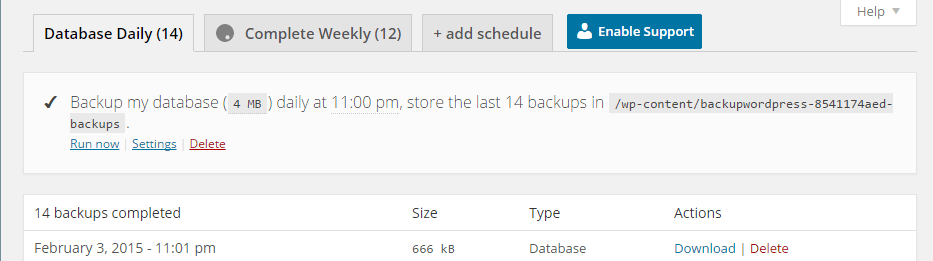
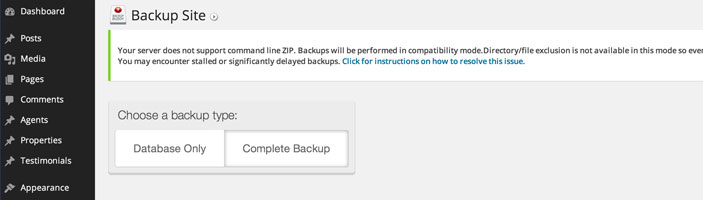
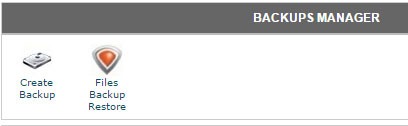 To create back-up using CPanel, navigate to Backup Manager and click on Create Backup. Where it says Download a MySQL Database Backup, just click on the database and download. A simple enough process but using a plugin just saves you from the trouble of doing this manually.


