Updated 18/2/16 due to Theme Update
For one reason or another, you might find that you’d like to remove that horizontal line just below the page title in Storefront theme. The horizontal line becomes prominent when you don’t have a title for your page which could happen on home pages.
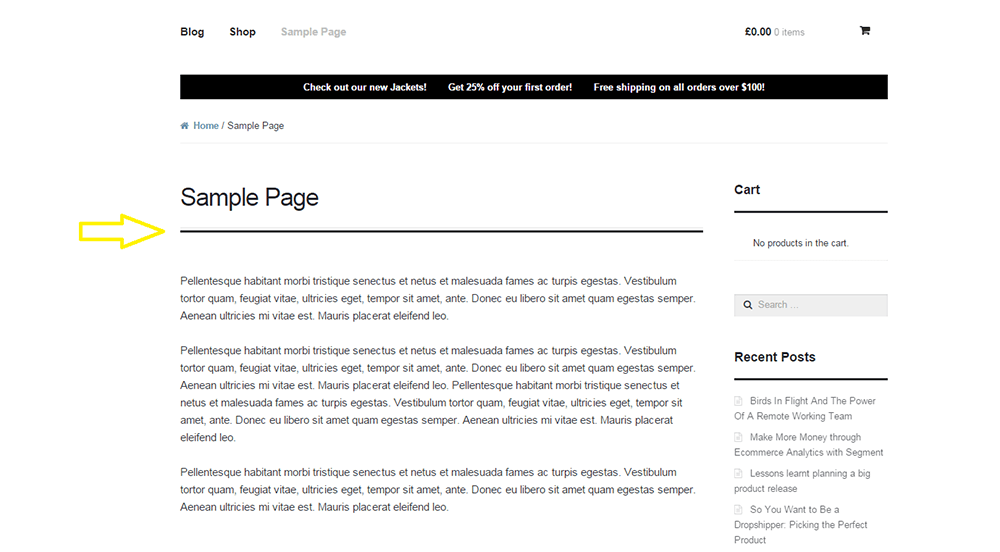
To remove the horizontal line, simply add the code below to your child theme Styles.css file.
.page-template-template-homepage-php .hentry .entry-header, .page-template-template-homepage-php .hentry .entry-header h1 {
 border-bottom: 0;
margin-bottom: 0px;
 }
The code “margin-bottom: 0px;” is necessary to remove the bit of extra spacing below where the line used to be.
Now you know how to remove horizontal line under page title in Storefront Theme but if that doesn’t fix your problem, let us know in the comments.