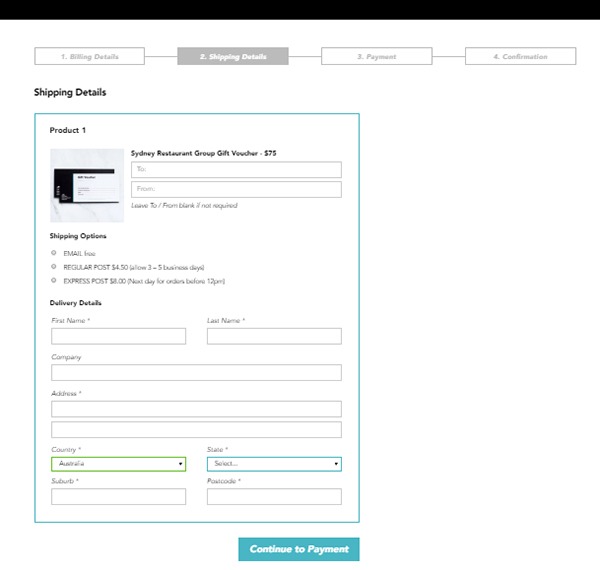
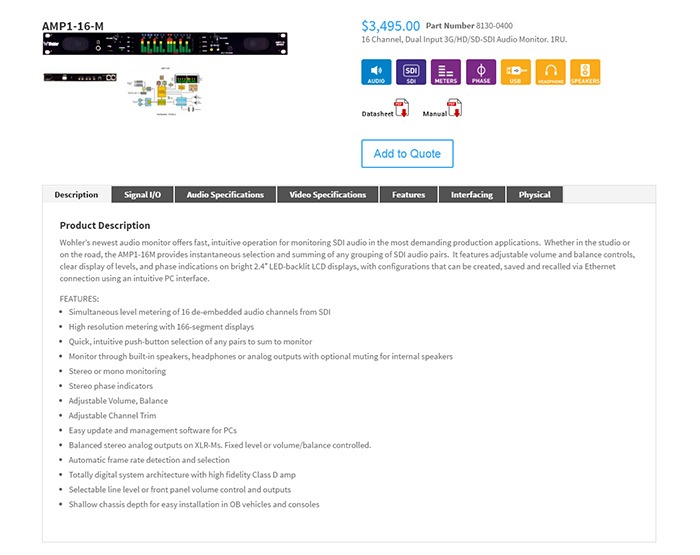
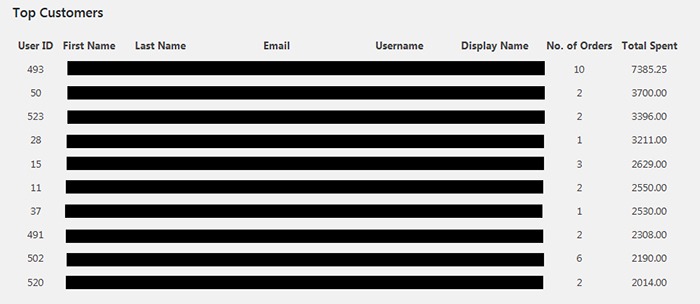
We listed down the 7 things that you can do to increase the trust rating of your WooCommerce Store in one handy infographic.
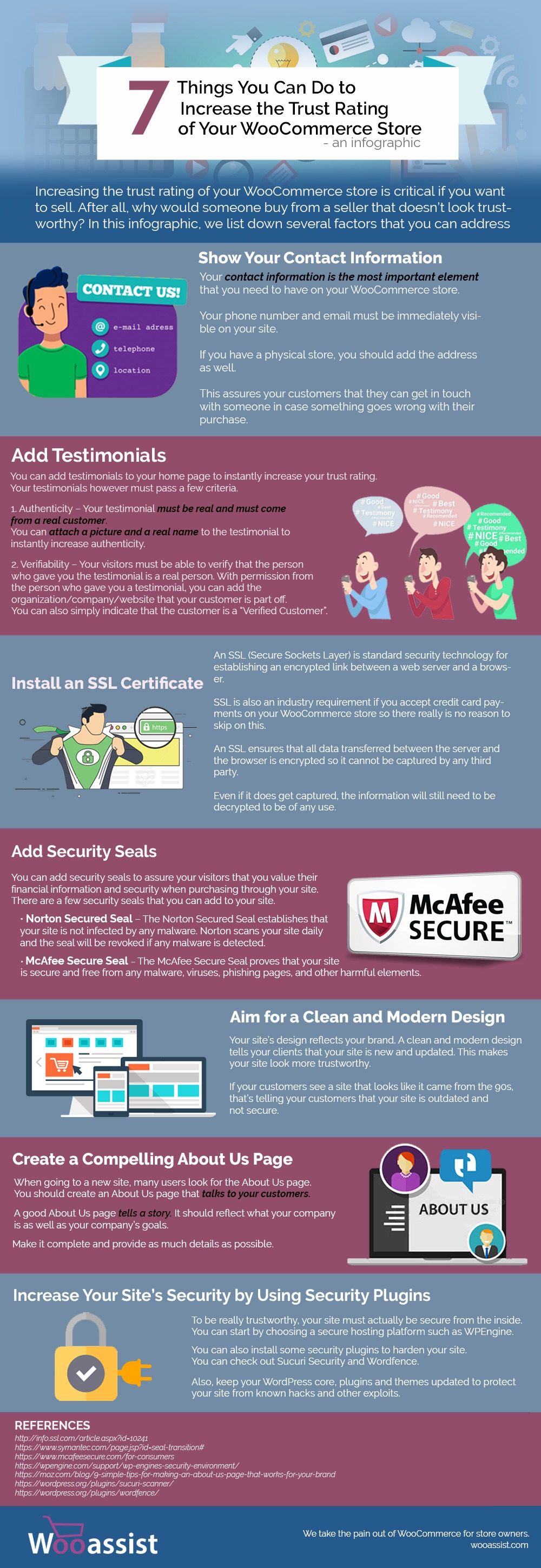
If you want to share this infographic on your site, you can use the code below and paste it in your HTML/text editor.
<a href="https://wooassist.com/7-things-you-can-do-to-increase-the-trust-rating-of-your-woocommerce-store-an-infographic"><img class="aligncenter wp-image-3017 size-full" src="https://wooassist.com/wp-content/uploads/2017/08/Increase-Trust-Rating.jpg" alt="Increase the Trust Rating of Your WooCommerce Store - An Inforgraphic by Wooassist" width="700" height="2030" /></a>

 After applying the updates on the development site, the next step is to check if the site has any broken features. Some important elements to check are:
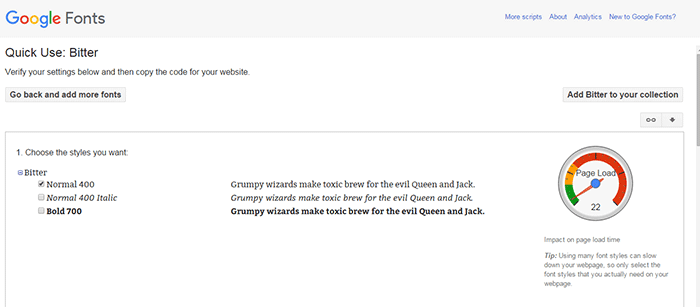
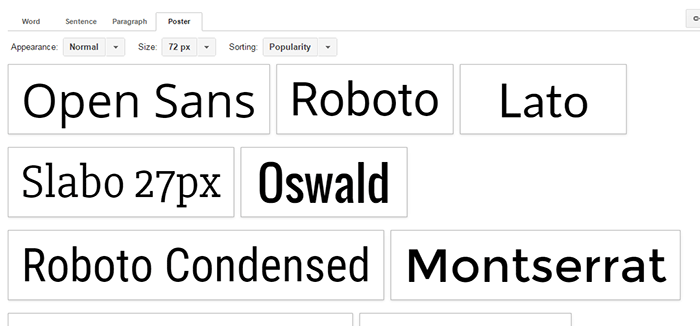
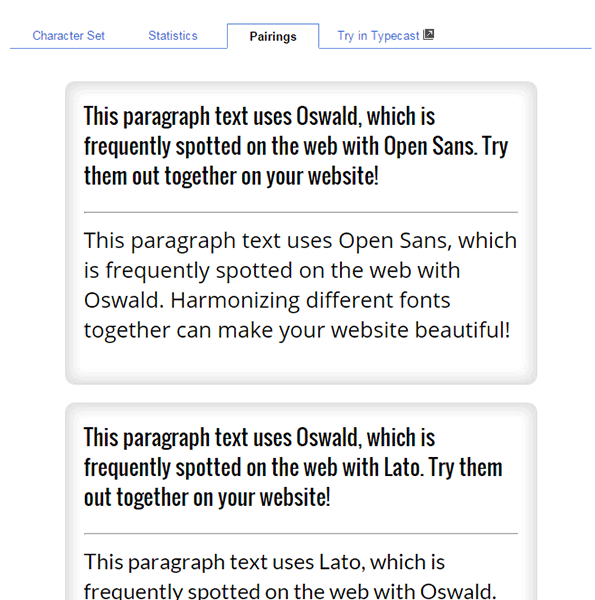
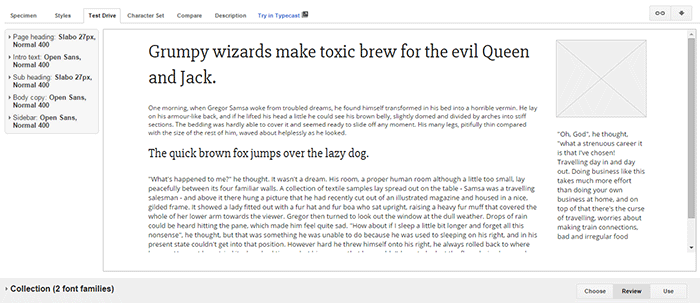
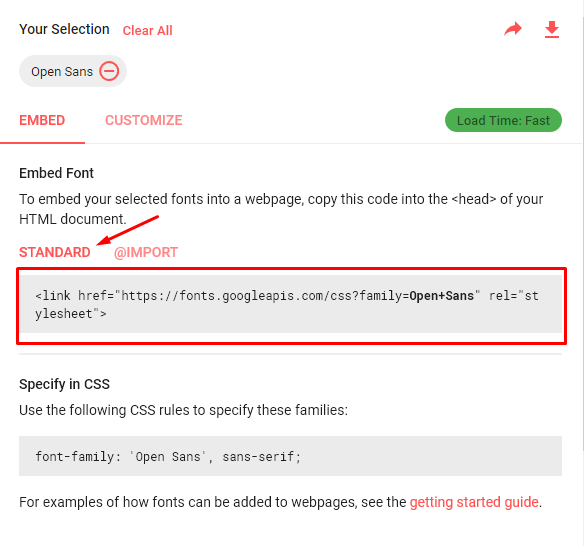
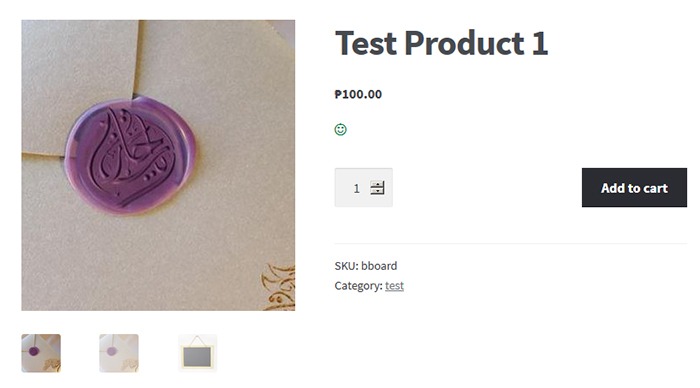
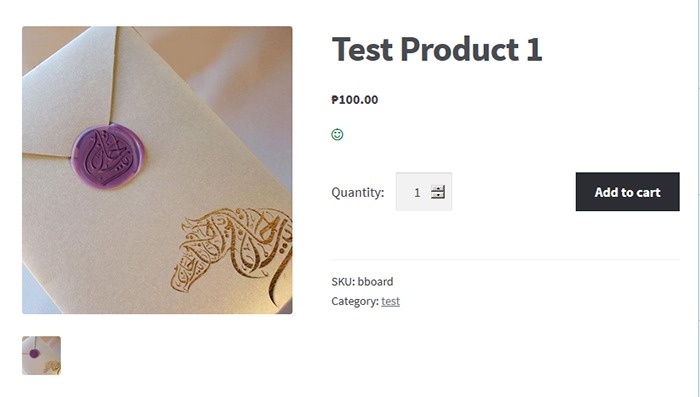
 By default, Storefront theme uses the Helvetica Neue font. This default font is simple and simple is good. However simple may not always fit the design that you are aiming for. You may want to use a different font. But how do you go about changing the theme’s font? In this post, we’ll teach you how to change fonts in Storefront theme using Google Fonts.
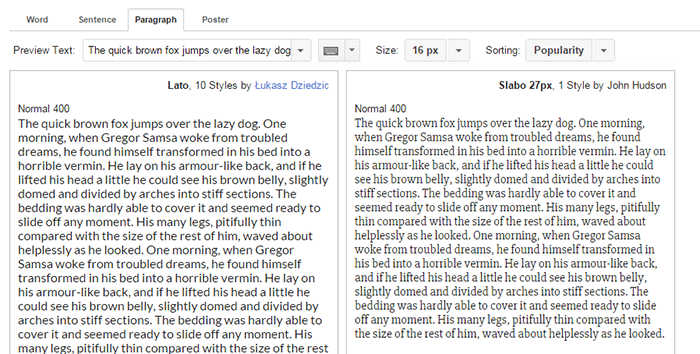
 Let’s break down the difference between Serif’s and Sans-serif type fonts.
 So what font should you use for your WooCommerce store? The correct answer would be a sans serif font and this is true in most cases. However, you should not let this limit your design choices. If you think a serif font will work towards your purpose, then use it by all means.