
Preparing product images for WooCommerce can be a tedious task. You can easily snap a picture of your products and just add it to your site. Unfortunately, snap and upload is not the way to go.
A digital image from a camera is usually very large. It can easily reach upwards of 2MB in size. When you put a 2MB image on your product page, your customers would have to wait at least a couple of seconds before they can see the image.
If you have more than one image, it’s going to take even longer. Eventually, someone would just get tired of waiting and head over to a competitor’s website. Not convinced? Check out this post on how loading time affects your bottom line.
How to Prepare Your Images for Web
Preparing product images to upload into your WooCommerce store requires an image editing tool, such as Adobe Photoshop. Check out this post from our blog to learn how to use Photoshop to prepare your images for uploading on your website.
If you don’t have Photoshop, there are some alternatives in the form of web tools. You can check out this post on Mashable, which lists down a couple of tools that can help you optimize your images.
Understanding Image File Types
When working with images, understanding image file types is necessary. Certain types of images are best suited to a certain file type. You need to know what that file type is, so your images will look good even if they are scaled down.
Here’s a good article that details the most common image file types including when you should use each file type.
An important note: Using an image editing tool like Photoshop is still the better option since it gives you better control on how you want to optimize your images.
Using Descriptive Files Names
One more thing you need to do before uploading your image to your WooCommerce store is to name them properly. Ideally, you’d want to use a file name that describes your image like “red sling bag”. This would make managing your media library easier. Searching for specific images on your media library would be very difficult if you use default image file names such as IMG0001.jpg.
When you’ve finally uploaded your image file, you should also add an alt tag that will tell search engines what your image is. Using alt tags is best practice for SEO but that doesn’t mean you cram keywords on your alt tags. Your alt tags should describe what your image is.
Now that you have a better idea on how to prepare your images for your e-commerce store, you can improve its page load speed. Eventually, you’ll start to see its effect on your conversion rates.
If you don’t have time to spend on editing product images, the Wooassist team is here to help you out. With our experience, you’ll have your images optimized and look professional in no time.
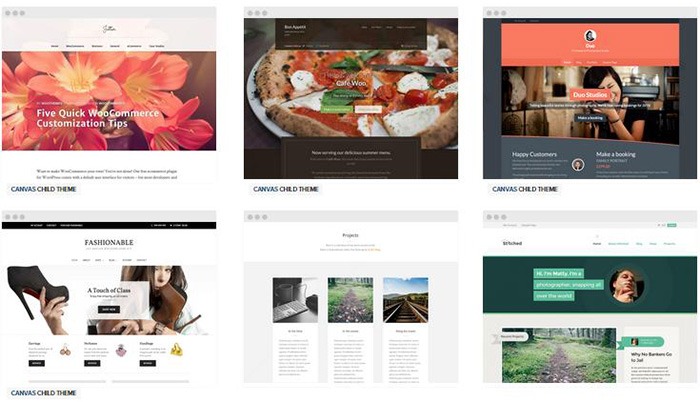
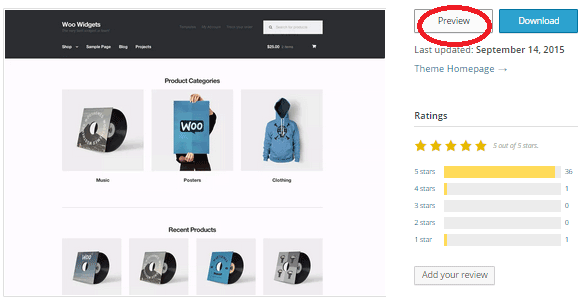
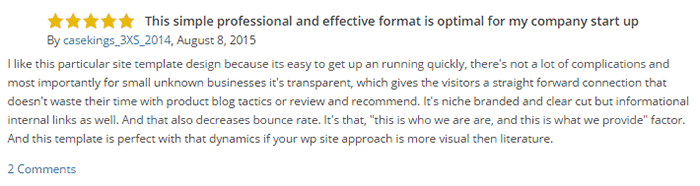
 Some website owners might think that a good theme just needs to look good. Well, that’s not wrong but it’s also not entirely correct. You need to know how to check if a theme is a good theme for your WooCommerce store. Here’s a checklist to help you decide if a WordPress theme is good for your WooCommerce Store.
 Update frequency is a good sign of a solid WordPress theme. It shows that the developers are continuously making it better by addressing bugs and other security threats. Similarly, check if the developer is active in public forums. This is a good sign that you will get answers if you are ever met a problem.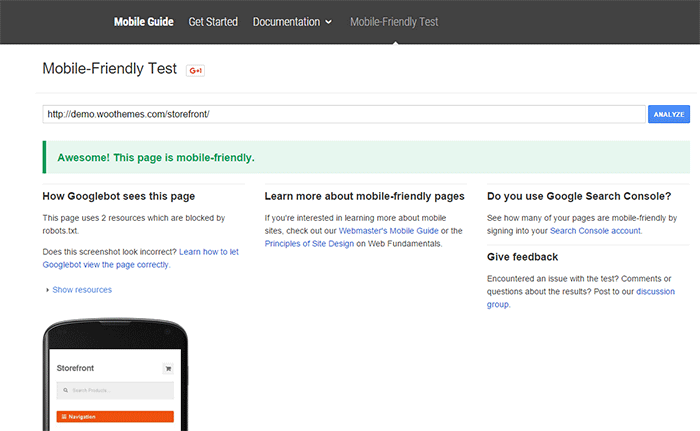

 Simplicity is the epitome of great design. Select a proper theme that matches the nature of your e-commerce store and will appeal to your target market. If you are planning for a content rich website, go for a more formal look with good typography for enhanced readability. If you are selling products for kids, you can be more playful with the design. Spend some time researching for a theme that addresses your needs. Consider the aspects mentioned above and decide if this is the theme for you.
 Storefront
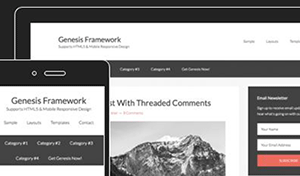 The
The 

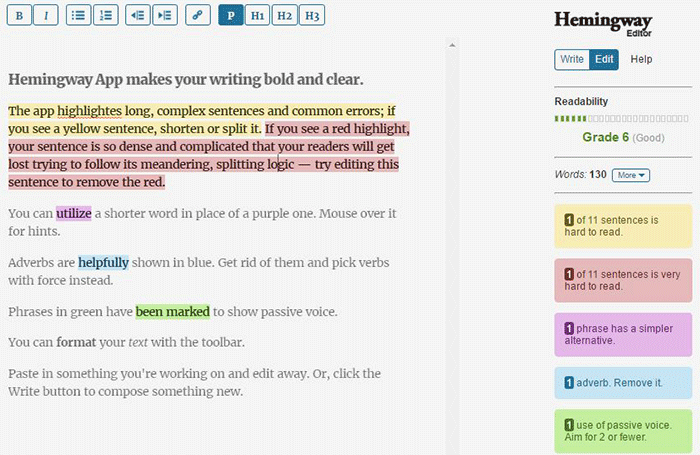
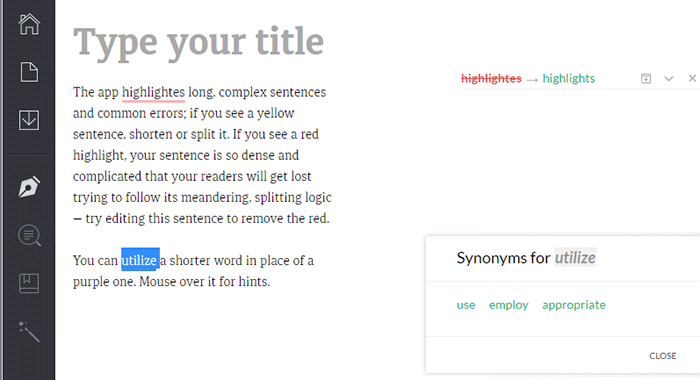
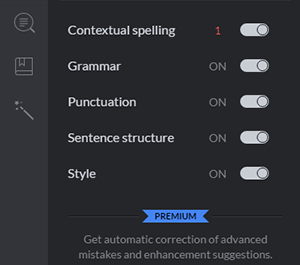 Grammarly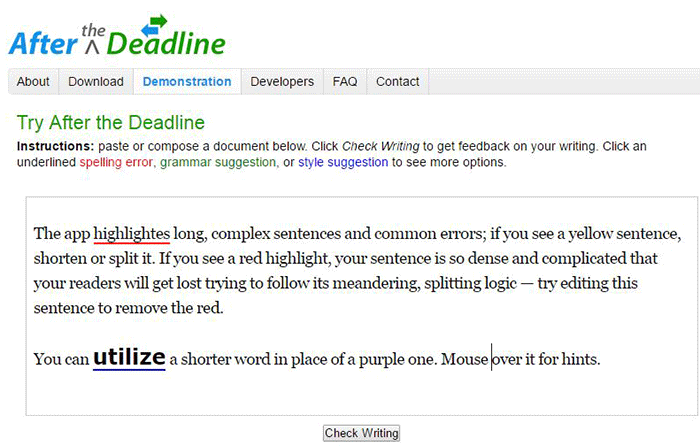
 As a business owner, you may struggle with
  The system you create becomes the tool everyone uses to get the job done in a way it needs to get done. Working on your business means you need to test and develop these systems to make sure they produce your desired result. When you have an efficient system in place, you’re mostly assured of the quality of work, and that business continues even if the people come and go. Training new staff becomes that much easier.
 Even if you love working in your business, chances are there isn’t enough time to get everything done on your own. This is especially true as your business continues to grow. Hire reliable, technology-savvy staff and those with technical skills that match your needs. Doing so will help you better manage your time so you can focus on managing and growing your business.
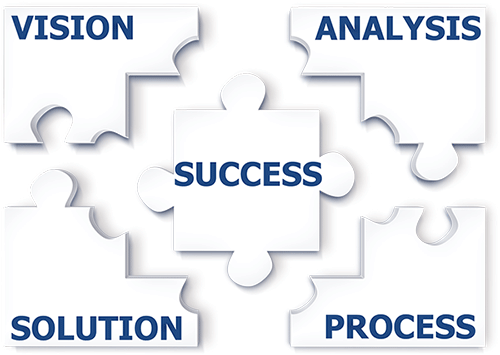 With routine and technical tasks delegated to staff, you can devote more time in managing and developing your business. This means you can focus on
  While it’s understandable to be very busy at work, especially in the early stages of your business, you also need to know when and how to effectively delegate. Prioritize your core functions as a business owner and focus on growing your business. Set up systems and tools to maintain consistent, quality results for routine activities. Outsource technical and other non-income-generating functions. These actions will help you better achieve a work-life balance. Spend more time with your family and friends and go on much-needed vacations.


