WooCommerce 3.0 is now live. In this version of WooCommerce, the product gallery receives a major overhaul. This includes zooming on product images, more intuitive behavior, improved mobile view and function, and the ability to display the image’s true size on click.
The updates are promising as you can see from the video below. However, the zoom functionality poses a problem for many WooCommerce store owners.
The zoom function for the product gallery in single product pages can become a problem for low-res images. Many WooCommerce store owners would not have high-resolution images uploaded to their WooCommerce stores. This is because high-resolution images are bad for page load speed. Large images can slow down a site. Hence, when the zoom function rolls out, low resolution product images will appear grainy and pixelated when zoomed.
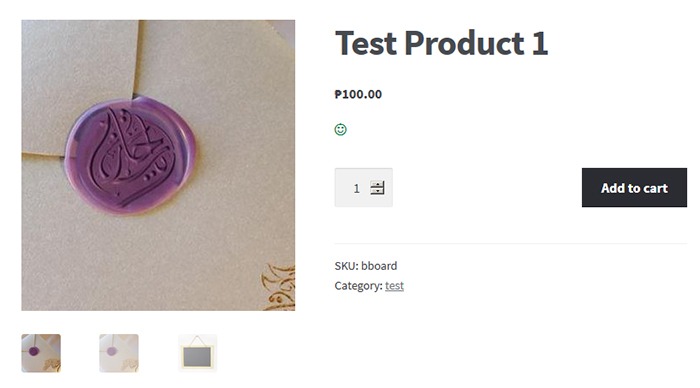
To solve this problem you can choose to revert to the old product gallery. While you use the old gallery, you can work on adding high-resolution product images to your store.

Reverting to Old WooCommerce Product Gallery
Reverting to the old WooCommerce product gallery can be done by using the Revert WooCommerce Image Gallery plugin. Simply install and activate the plugin and your WooCommerce product gallery will automatically revert to the old product gallery. There are no complicated settings to tweak.
How to Update to the New Product Gallery
When you finish uploading high resolution images, simply deactivate or uninstall the plugin. The product gallery will automatically update to new product gallery. You can also choose to just keep the plugin if you want to keep the old product gallery.
We hope this tutorial is helpful.
Is your store ready for WooCommerce 3.0? Do you have questions about the WooCommerce 3.0 update or the Revert WooCommerce Image Gallery plugin? Let us know in the comments.
 How much value do you put on your time? As a business owner, this is a question that you should be asking yourself. Ideally, you should be
 4. Update Plugins and Core – It’s important to keep your WooCommerce store protected from the latest known vulnerabilities. A WooCommerce expert can help improve security and site performance by keeping everything updated.
 A lot can be done to a hacked WordPress site. It is not just getting sensitive information. Actually, getting sensitive information like credit card numbers is just a “bonus”. It’s not really your website that the hackers want. What they want more is the power of your server resources: computing power, disk space, and anonymity on the internet. So how can they use your server to their advantage? Here are some ways:
 Most attacks are automated and target small and unsecure sites. This works similar to how a search engine uses search engine crawlers to index information on the web. The hacker’s crawlers roam around the web to find exploitable sites. When a vulnerability is spotted, the hackers will attack that vulnerable point. Attacks vary from
  Aside from the updates, there are a lot of things you can do to harden the security of your site. Here are some examples:
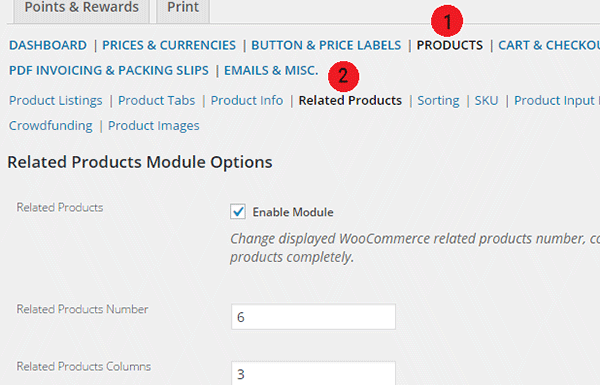
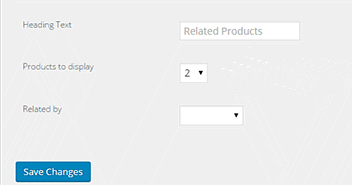
 Changing the number of related products in WooCommerce is a relatively easy task if you know how to do it. WooCommerce defaults to two related products in the single product page but store owners may want to show their visitors more than just two related products.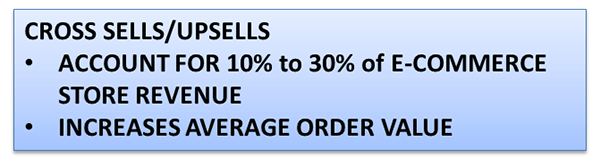

 Once I had my filing and boxes of “someday maybe” sorted I chose
  I did my research and found a tool called
  Without context, that would mean I am very productive. But in actuality, it’s only to preserve my energy levels for the tasks that matter. In the past, I have done this subconsciously. But upon reading Getting Things Done by David Allen, I have started to take a conscious approach to productivity. I believe it all boils down to self-optimization.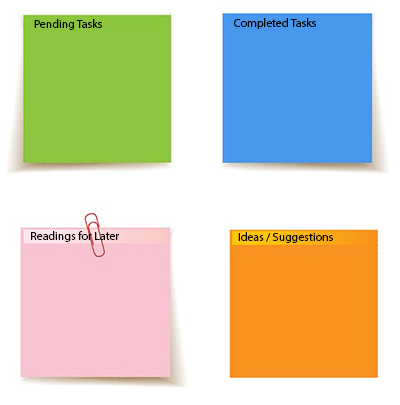


 There is no concrete formula that would work for everyone. It is up to you to discover what will work best for you. The book Getting Things Done: The Art of Stress Free Productivity by David Allen did wonders for the Wooassist team. Each team member adapted his/her own way of dealing with the workflow based on the book and it worked wonders. We hope this post inspires you to set up your own system and to start being efficient.


